
Vyxora

Vyxora Capture · Browser extension

A browser audio recorder for meetings, lectures, and interviews.

Vyxora Capture is a browser extension for recording meetings, lectures, interviews, and browser audio without a bot joining the call. Choose your microphone, current tab, or computer audio, then turn the recording into a structured Vyxora Note.

Audio onlyNo page overlayRuns in the background

How Vyxora Capture records browser audio

How it works

01

Start in the toolbar

Choose what you want to record.

Pick your microphone, the tab you are in, or audio playing from another app.
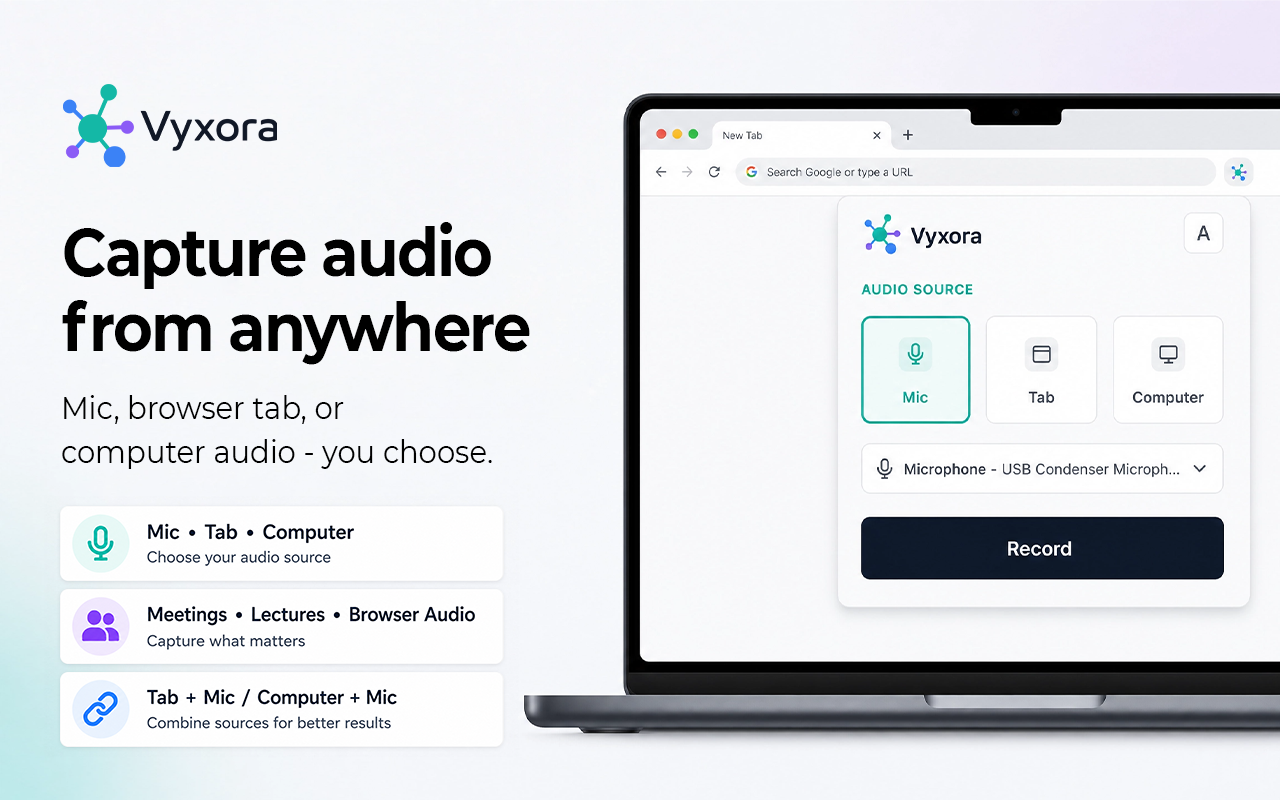
Vyxora Capture source picker with microphone, current-tab audio, and computer audio options
02

Keep working

Record browser audio without covering the page.

The timer and controls stay in the popup while you keep using the browser normally.

Pause or stop whenever you are ready.
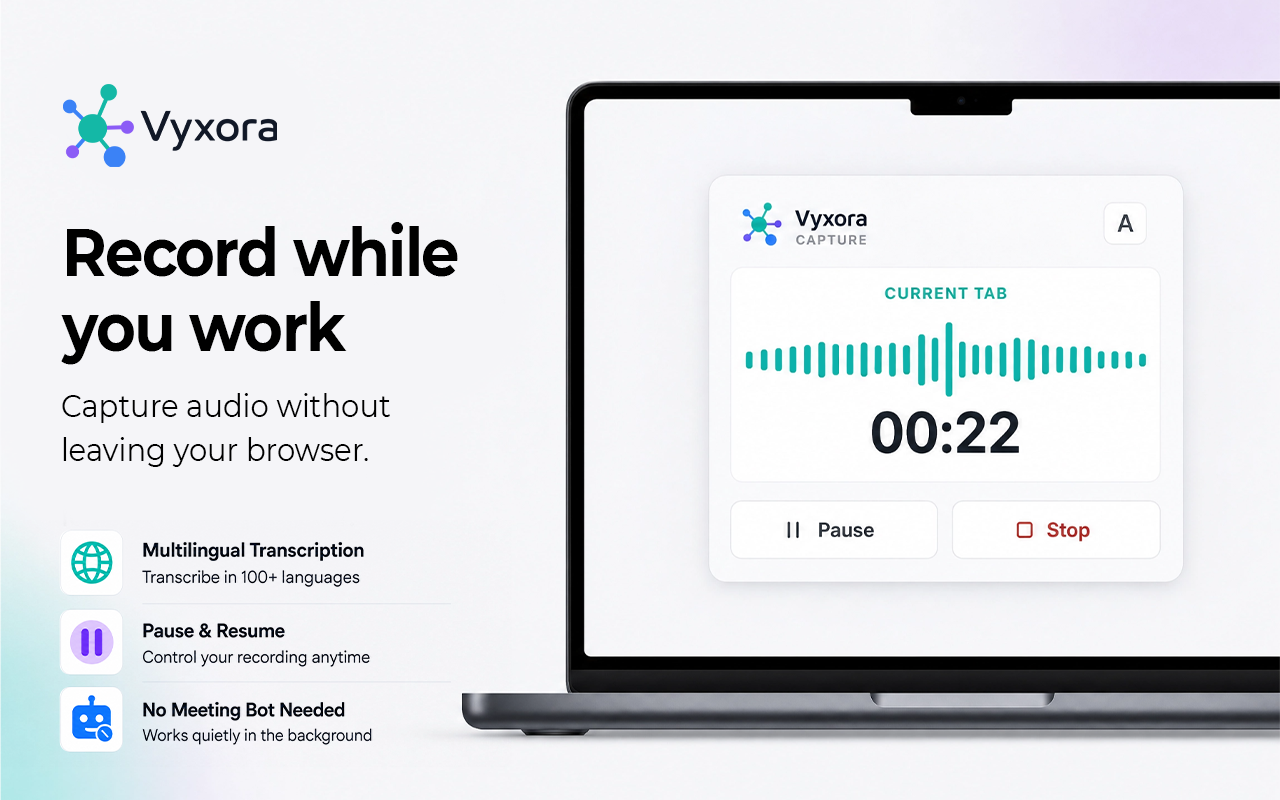
Vyxora Capture recording browser tab audio with pause and stop controls
03

Finish with context

Choose how Vyxora should shape the Note.

Use General for mixed recordings, Meeting for decisions and tasks, or Study for lectures and review.

Nothing is sent until you press Create Note.
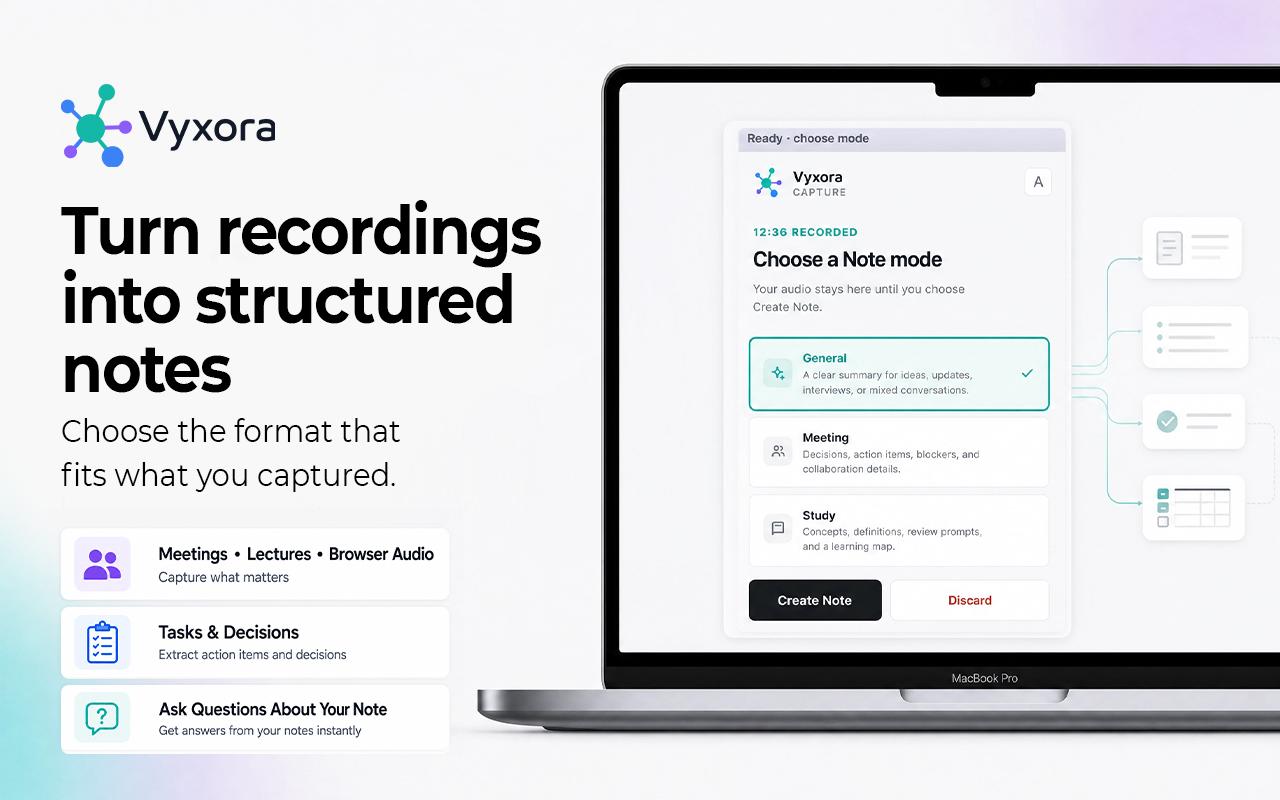
Vyxora Capture mode picker with General, Meeting, and Study analysis options

Privacy

Your audio stays local until you press Create Note.

The extension records only the source you choose and waits for you before sending anything to Vyxora.

  • Stopping does not upload the recording.
  • Computer-audio capture does not save your screen or video.
  • The extension does not add controls to the page you are visiting.

Common questions

Questions about recording browser audio.

Can I record a browser tab without adding a meeting bot?
Yes. Choose the current tab or computer audio in Vyxora Capture and keep using the browser normally while it records.
Which browsers support Vyxora Capture?
You can install Vyxora Capture from the Chrome Web Store and use it in Chrome, Brave, Edge, and other browsers that support Chrome extensions. What you can record may vary by browser.
Can I record Chrome tab audio and my microphone together?
Yes. Choose the current tab as your audio source and enable the microphone in the popup. Vyxora mixes the selected audio sources into one recording.
Does Vyxora Capture record my screen?
No. Computer-audio capture records sound only. It does not save your screen or video.
When is the recording uploaded?
The recording stays local until you choose a Note mode and press Create Note.

Turn your next recording into a Note.

Install Vyxora Capture and turn the recording into a structured Note.